
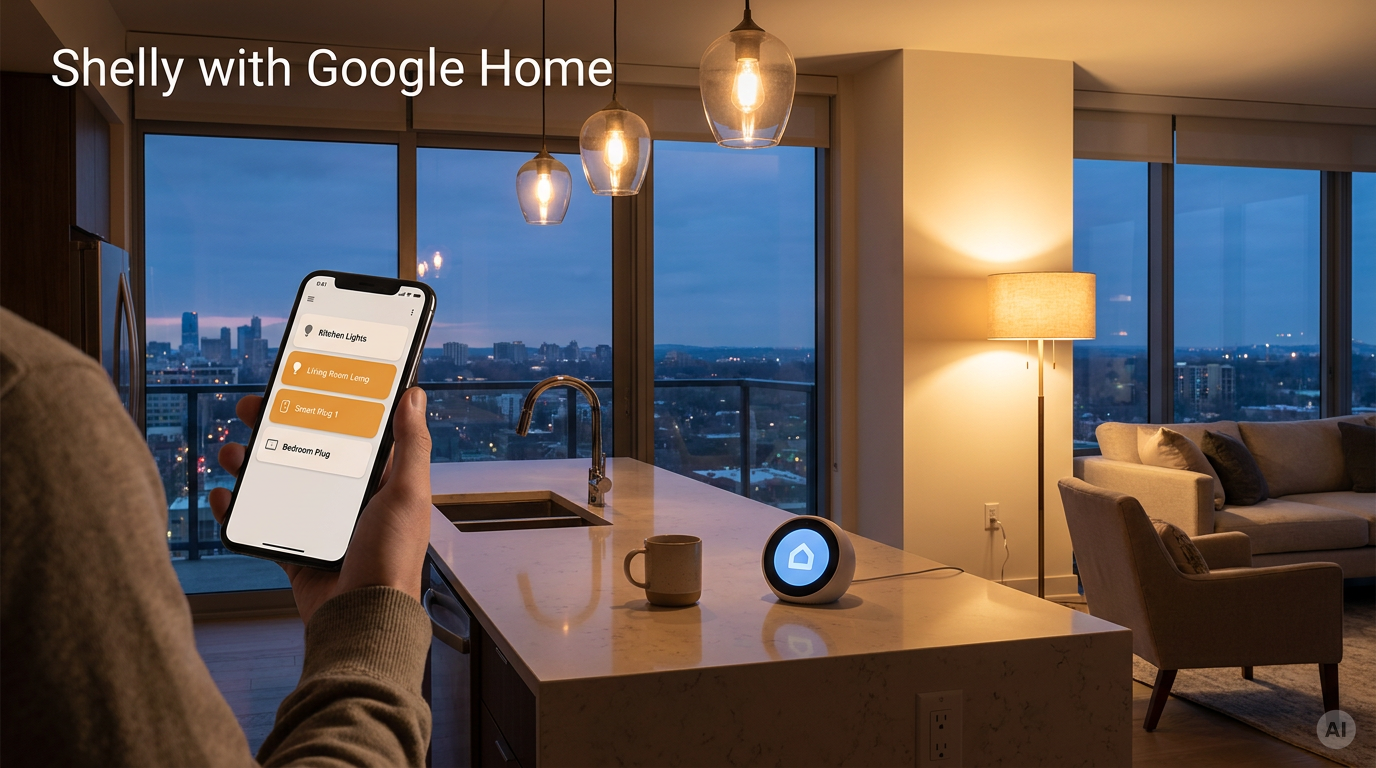
Shelly devices can be controlled by voice with Google Assistant and from the Google Home app. This page is a short overview of how the integration works, what it supports today, and where its limits are.
What is Google Home
Google Home is Google's smart home platform. Users control devices from the Google Home app, by voice through Google Assistant on Nest speakers and displays or a phone, and through automations in the app.
How the integration works
There are two ways to bring Shelly devices into Google Home.
1. Cloud-to-cloud: Works with Google Home
-
In the Google Home app, the user adds a device through Works with Google Home, searches for Shelly and signs in with their Shelly account.
-
After linking, Google Home imports the devices from the Shelly account with the names given in the Shelly app. The user assigns them to rooms.
-
A command goes from Google Assistant or the Home app to Google's cloud, then to Shelly Cloud, then to the Shelly device. State changes are reported back, so the app shows the current state.
2. Local: Matter
-
Shelly Gen4 devices support Matter out of the box. Gen3 devices support it from specific firmware versions, after Matter is enabled on the device.
-
A Matter-enabled Shelly device can be added directly to a Google Home or Nest hub that acts as a Matter controller. Commands then stay on the local network, without going through Shelly Cloud.
What works today
|
Capability |
What the user gets in Google Home |
|---|---|
|
Turn On/Off |
Relays, plugs and switches by voice, app and automations |
|
Brightness |
Dimmers by voice and app |
These are the capabilities currently confirmed in the Knowledge Base. Each device page lists its own Google Smart Home supported traits, which can include more for that device.