
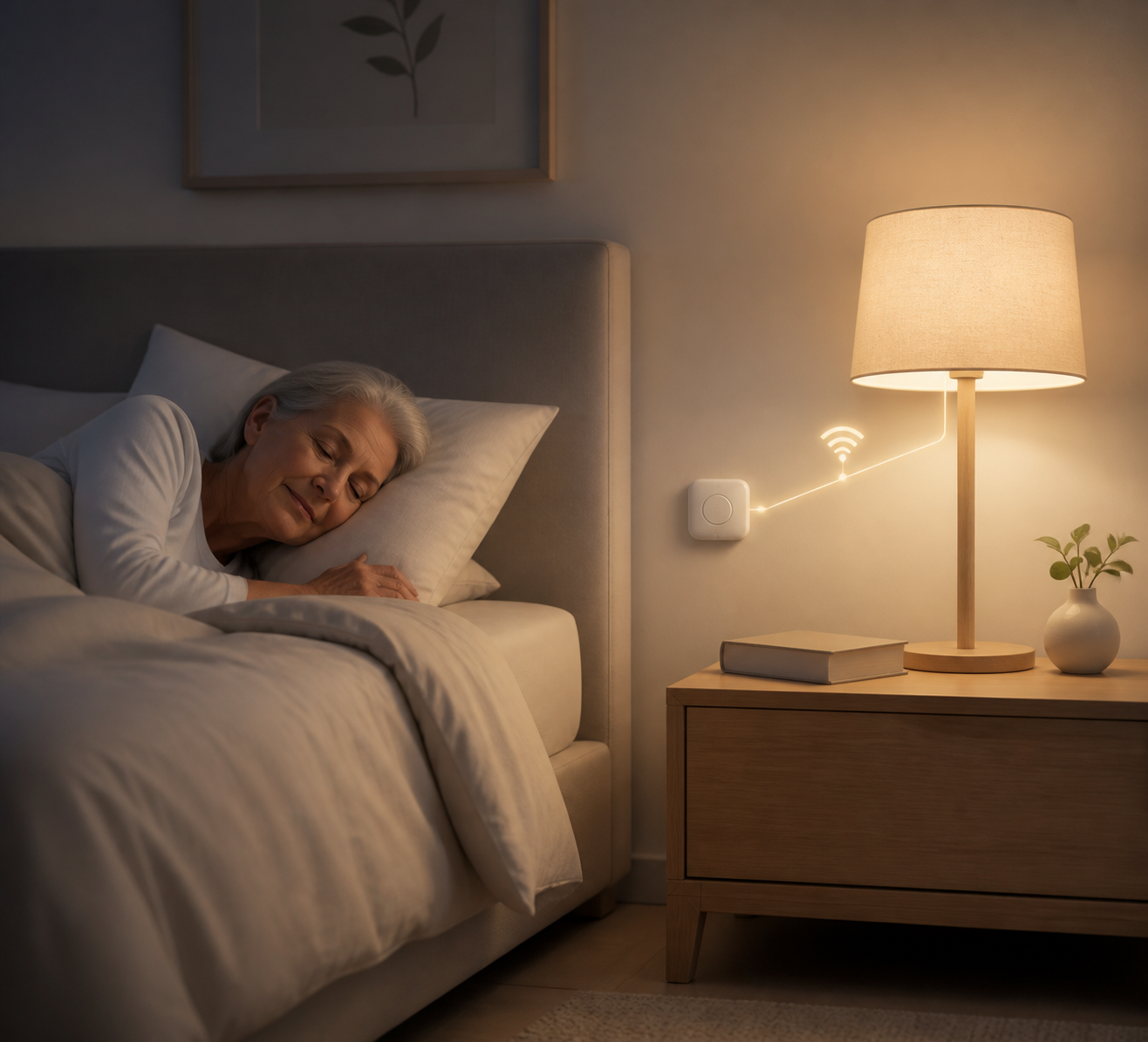
Getting up in the dark to find a light switch is a real fall risk for an elderly or less mobile person. A Shelly BLU Button 1 by the bed and a Shelly Duo Bulb in the lamp turn one press into light — no getting up, no fumbling, and no third device needed since the bulb itself acts as the button's Bluetooth gateway.
Overview
An elderly or less mobile person often struggles to get up in the dark and find the light switch. The solution: a Shelly BLU Button 1 by the bed + a Shelly Duo Bulb in the room's lamp. One press of the button turns on the light — no getting up, no fumbling for a switch. The bulb (Gen3) also acts as the Bluetooth gateway for the button, so no third device is needed.
Prerequisites
-
Shelly BLU Button 1 (wireless, battery-powered)
-
Shelly Duo Bulb E27 Gen3 (Wi-Fi + Bluetooth — serves as both the light and the BLE Gateway for the button)
-
Shelly Smart Control app
-
2.4GHz Wi-Fi for the bulb
Steps
-
Install the bulb — fit the Duo Bulb into the existing lamp/fixture near the bed and add it to the app over Wi-Fi.
-
Enable Bluetooth on the bulb — from its local web interface: Settings → Bluetooth.
-
Pair the button — scan for BLE devices through the bulb, find the BLU Button 1, and configure it.
-
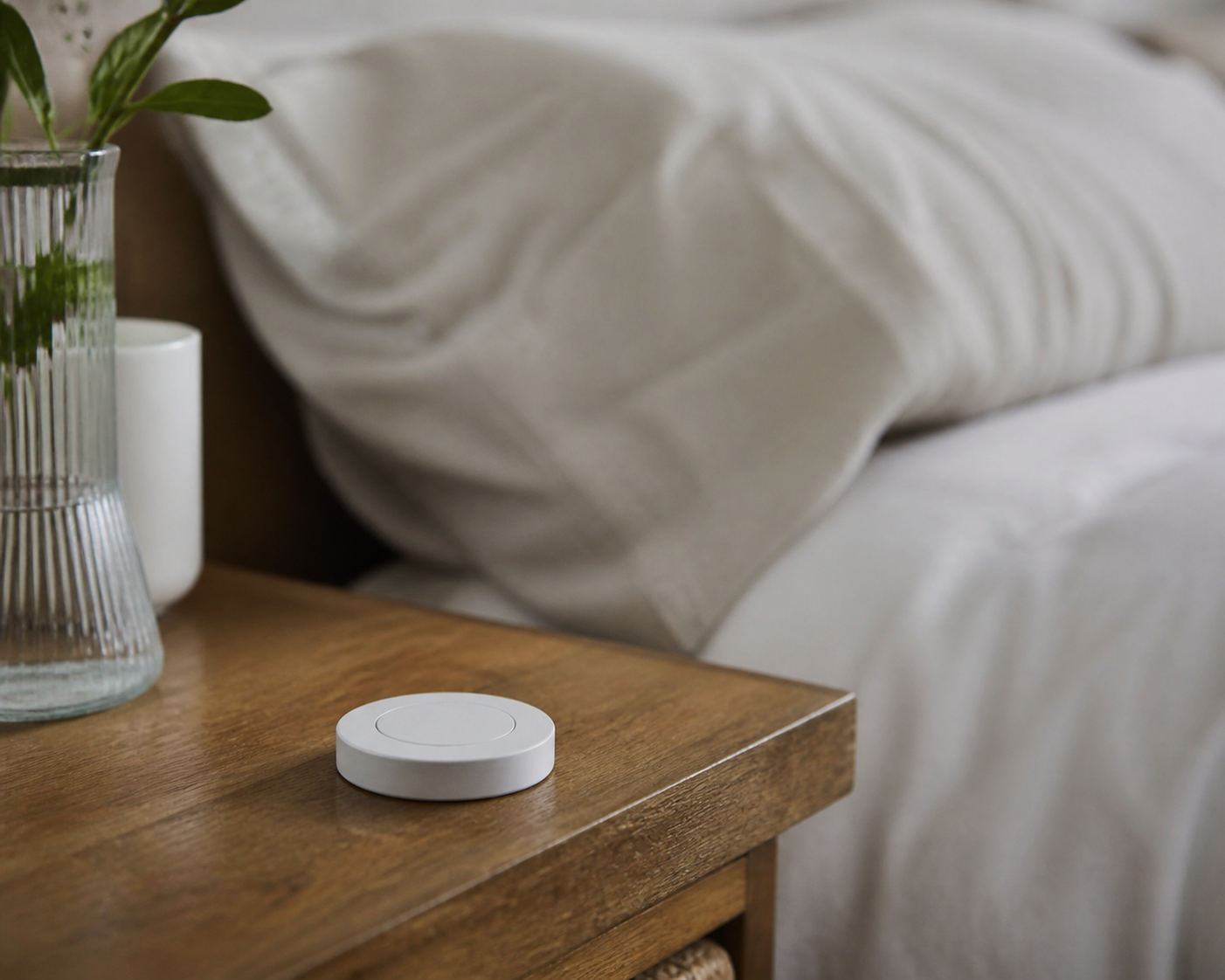
Place the button by the bed — on the nightstand or stuck to the wall, within easy reach.
-
Create a scene — "When: single push of BLU Button 1" → "Do: turn on Duo Bulb".
-
Optional — a second or long press → turn off, for full control from the button alone.
Troubleshooting
-
Pressing the button does nothing → check that Bluetooth is enabled on the bulb and that the button is within about 10 m of it.
-
The bulb shows as offline → check that the lamp's own wall switch is left on — the bulb needs power to receive commands.
-
The button stopped working after months of use → replace its CR2032 battery.
Tips
-
Check the Bluetooth range (~10m indoors) before fixing the button's final position.
-
Attach the button securely — so it registers a press even from an unsteady hand.
-
Keep an eye on the button's battery level in the app.
Devices Used
Shelly BLU Button 1, Shelly Duo Bulb E27 Gen3
Documentation & References
Why It's Worth It
One press of a button by the bed replaces getting up in the dark to find a switch — which lowers the risk of a fall at night, with no wiring and only two devices.
Conclusion
The bedside lamp now turns on with one press of a button placed wherever it is easiest to reach. Getting up at night no longer starts with searching for a switch in the dark.
---
vertical: elderly
concept: bedside-light
complexity: basic
devices: [Shelly BLU Button 1, Shelly Duo Bulb E27 Gen3]
---